Celebrate Christmas with personalized holiday videos to connect with family and friends, or showcase highlights of the festive season with followers on social media.
From virtual Christmas cards to gift guides and vlogmas videos, explore this curated list of unique and beginner-friendly holiday video ideas and other Merry Christmas video templates to share in seconds.
Read on to get inspired with these Christmas videos anyone can create for free with Clipchamp video editor.
Virtual Christmas party ideas
1. Video Christmas party invitation
Planning a virtual Christmas party means sending friends, family, and others invited a link to a Microsoft Teams meeting room (opens in a new tab). Share the holiday spirit this December by sending a magical virtual Christmas party invitation video. Just personalize a ready-to-use video template, and send the video invite directly to smartphones or share on social media.
2. Christmas Eve virtual party
Set up a laptop, tablet, or smartphone to be together virtually this Christmas Eve. Throw on a favorite pair of festive pajamas, eat some classic holiday treats, share memorable past holidays and stories, and celebrate another magical Christmas Eve. Don't forget to add a festive meeting background for the final touch.
3. Name that Christmas tune
Get an entire group to laugh, sing, and enjoy the holiday season with a fun 'name that Christmas tune' game. On a Teams party or virtual call, a host can play snippets of classic Christmas carols and holiday songs on YouTube, and guests can try to guess the tune. Create teams and prizes for the winners, and even screen record to watch it later.
4. Virtual Christmas gift exchange
Secret Santa and white elephant gift exchanges are Christmas classics, but they often require in-person exchanges. This year, add some virtual Christmas party fun by sending an e-gift or mailing a present. Then have recipients record themselves opening gifts with joy. Use a smartphone or the Clipchamp webcam recorder to film for free, then edit snippets into a fun Christmas video.
5. Christmas family slideshow
Take a trip through memory lane and share throwback photos from past family gatherings with a Christmas slideshow video. Simply merge videos and images from OneDrive or Microsoft Photos, add soft background music, and save in HD video resolution for the best quality.
Personalized video and meme ideas
6. Christmas video meme
Create a funny Christmas-themed meme and share it with friends to join a meme trend or add some fun to a Christmas wish. Personalize one of the unique Clipchamp meme video templates to develop a funny video in seconds. Then add an AI voiceover to enhance the video with funny voice effects.
7. Virtual Christmas card video
Create a virtual Christmas card video with the AI video editorto send season’s greetings to loved ones, valued customers, or other contacts around the globe. Make a fun virtual Christmas card with a celebratory template that recipients will love in seconds.
8. Say thank you with a video
Express gratitude to close friends, relatives, and colleagues with a personal video. Simply record a message for employees, coworkers, students, or family members expressing thanks for their support and hard work. Use a ready-made template for inspiration and easily add in personal media to the video. Then share the wholesome video directly on social media like Instagram or TikTok.
9. Personalized Merry Christmas video
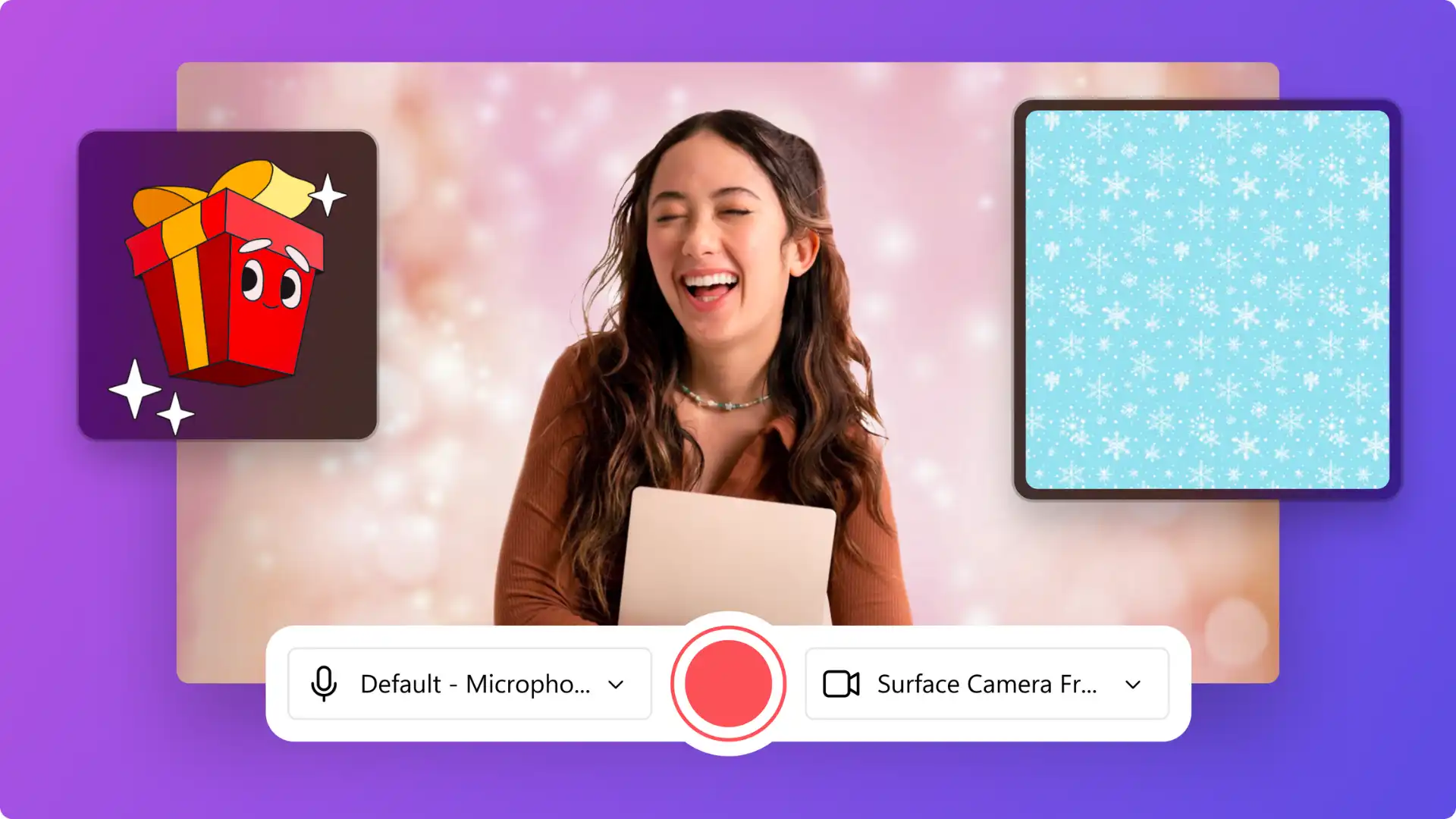
Easily say Merry Christmas face-to-face this December using the Clipchamp online webcam recorder. Record a Christmas message with no professional setup necessary, and add filters, stickers, or captions for easy viewing.
10. Personal Christmas story time video
Share an uplifting festive tale with a personalized Christmas-themed storytime video. Chat with Microsoft Copilot (opens in a new tab) to outline a narrative and create some accompanying original illustrations. Pair the script and visuals with some Christmas themed royalty-free stock footage and music.
Festive social media video ideas
11. Create a year-in-review video
The end of the year is a perfect time for reflection on favorite memories and what made the past twelve months special. Upload the best images and videos snapped over the year and create a simple highlight video. Post short slideshow videos to Instagram and TikTok with trending sounds, and they might even go viral.
12. Share a Christmas recipe
Baking and cooking are some of the most popular holiday activities and traditions worldwide. Create a recipe video that will make viewers’ mouths water, from gingerbread houses to traditional roast dinners. Add on-screen instructions, ingredients, and key messages with animated text, and use royalty-free festive background music. Share top tips, favorite recipes, and even epic fails to YouTube and Instagram.
13. Post an inspirational holiday quote
Inspire followers and spread joy this holiday season with an uplifting quote video for social media. Add a favorite Christmas quote to an on-theme festive background, use sound effects, and personalize with custom colors and title overlays.
14. DIY Christmas home decor
Showcase quick and easy DIY Christmas decor ideas, from baubles to tree decorations, with an engaging video. Use the speed selector to slow down the tutorial to make instructions easier to comprehend. Use the picture-in-picture effect to overlay a webcam recording to clearly show the instructions in action.
15. Christmas movie list
Create a list of all-time favorites to share on social media like Will Ferrell's Elf or the '80s classic A Christmas Story. Inspire others with a slideshow video of the best Christmas movies. Just use this colorful background template, Christmas music, and overlay with animated text.
16. Christmas gift guide
Love giving gifts and want to share some thoughtful Christmas present ideas? In a quick gift guide video, share shopping hauls, where to purchase, and gift ideas for parents, partners, pets, and friends. Update the background video of any gift guide-style template, then add recommendations, and resize the video to share on TikTok and Instagram.
17. Christmas outfit styling video
Dust off a favorite hand-knitted sweater and matching socks to create a Christmas-themed outfit of the day. Share expert hair styling and event dressing tips using smooth scene transitions to change clips while narrating any festive story using the voice recorder.
YouTube Christmas video ideas
18. Vlogmas
It's the season to participate in the annual vlogmas festivities. Create vlogs everyday in December to create entertaining YouTube videos. Share activities like decorating for Christmas, putting up the Christmas tree, and wholesome baking and cooking. Use a template to create a festive intro and outro video as well.
19. Product review video
If popular brands have released a Christmas gift pack, create a product review video to share with loyal followers. From skincare and makeup to jewelry and food, share main thoughts in a fun unboxing style review video. Add finishing touches like sound effects, transitions, and Christmas stickers.
20. Advent calendar haul video
Showcase and review the chocolates, perfumes, and product minis of the day by transforming this advent calendar haul TikTok video. Recreate the style of unboxing videos and use the video resizer to share it on vertical social media platforms.
21. Christmas home tour video
Give viewers an exclusive look at festive decorations with a Christmas home tour video. Walk through each room showcasing decorating ideas, DIY projects, and holiday touches. Use smooth transitions between rooms, add cheerful background music from the royalty-free library, and include text overlays with decorating tips and budget breakdowns.
22. Christmas Q&A video
Connect with viewers through relatable content by filming a Christmas-themed Q&A video. Answer questions about holiday traditions, favorite Christmas memories, gift ideas, and festive plans. Collect questions from comments or social media, then edit the Q&A with animated text showing each question before answering.
23. Christmas wishlist video
Create an engaging wishlist video showcasing desired gifts for the holiday season. Present each item with images or videos, explain why it's on the list, and include where to buy. Add festive transitions between items, use overlay text for product names and prices, and finish with a call-to-action encouraging viewers to share their own wishlists in the comments.
24. Holiday makeup tutorial
Share a festive makeup look perfect for Christmas parties and celebrations. Demonstrate step-by-step techniques for achieving a holiday glam look, from glittery eyeshadow to lipstick tricks. Use the picture-in-picture effect to show close-ups of makeup application while keeping the full face visible, and add animated text chapters for each makeup step.
25. Christmas challenges and games
Film entertaining Christmas challenge videos like the gingerbread house building challenge, Christmas cookie decorating competition, or ugly sweater fashion show. Invite friends or family to participate, add a timer overlay, upbeat holiday music, and fun sound effects. Use the speed selector in Clipchamp to make montage sequences more dynamic.
Corporate Christmas video ideas
26. Festive greetings from the CEO
Dedicated messages from the CEO can be both professional and fun. Assemble the leadership team and fellow senior executives to share the holiday spirit in a fun and quirky festive greetings video to customers via email. For a colleagues and stakeholders' version, sneak in a bit of business as usual and use the screen recorder to reference company values and annual milestones.
27. Holiday party slideshow video
Deck the halls with jolly videos and create a holiday party slideshow video to display at a virtual holiday event or in a living room or guest room TV. Use a fun template and replace the photos and videos with personal footage. Save using the OneDrive integration in Clipchamp to easily access it on laptops or Smart TV.
28. Christmas sale video
Announce a holiday season offer to the masses with this Christmas sale template filled with glitter and tinsel. Swap and move around the Christmas themed photos, videos, and music from the Clipchamp royalty-free stock library. Add offer details and customize the text with perfect fonts for social media ads.
29. Christmas virtual meeting background
Decorate the next Microsoft Teams meeting with festive cheer by making a corporate Christmas virtual background. Grab some Christmas themed videos from the Clipchamp stock video library and share the festive spirit with colleagues. Also, add a logo to the background video to represent an organization.
30. Holiday trading hours video
Help customers to remember holiday opening and closing times with a memorable and catchy social media post. Customize all business holiday video ideas with a business logo, font, and color by using the brand kit tool. Make the video more special by using Microsoft Copilot (opens in a new tab) to write a Christmas jingle with AI.
Watch how to make a Christmas video in Clipchamp
Follow the video tutorial to create a Christmas video album using templates, add personalized text, and enhance with fun festive elements.
Take inspiration from these Christmas video ideas or explore new year video ideas to create a standout video for the festive season. Create memorable holiday videos with Clipchamp video editor or download the Microsoft Clipchamp Windows app.
Heads up! The screenshots in this article are from Clipchamp for personal accounts. The same principles apply to Clipchamp for work and school accounts.